
Web design for businesses
Austin Air Duct
From the right service to real jobs to a quote request
Discovery, design, and development of a website for a service company in Austin, Texas. A clear service hierarchy, paths for residential and commercial customers, and before-and-after job photos lead to a quote request with the right context.
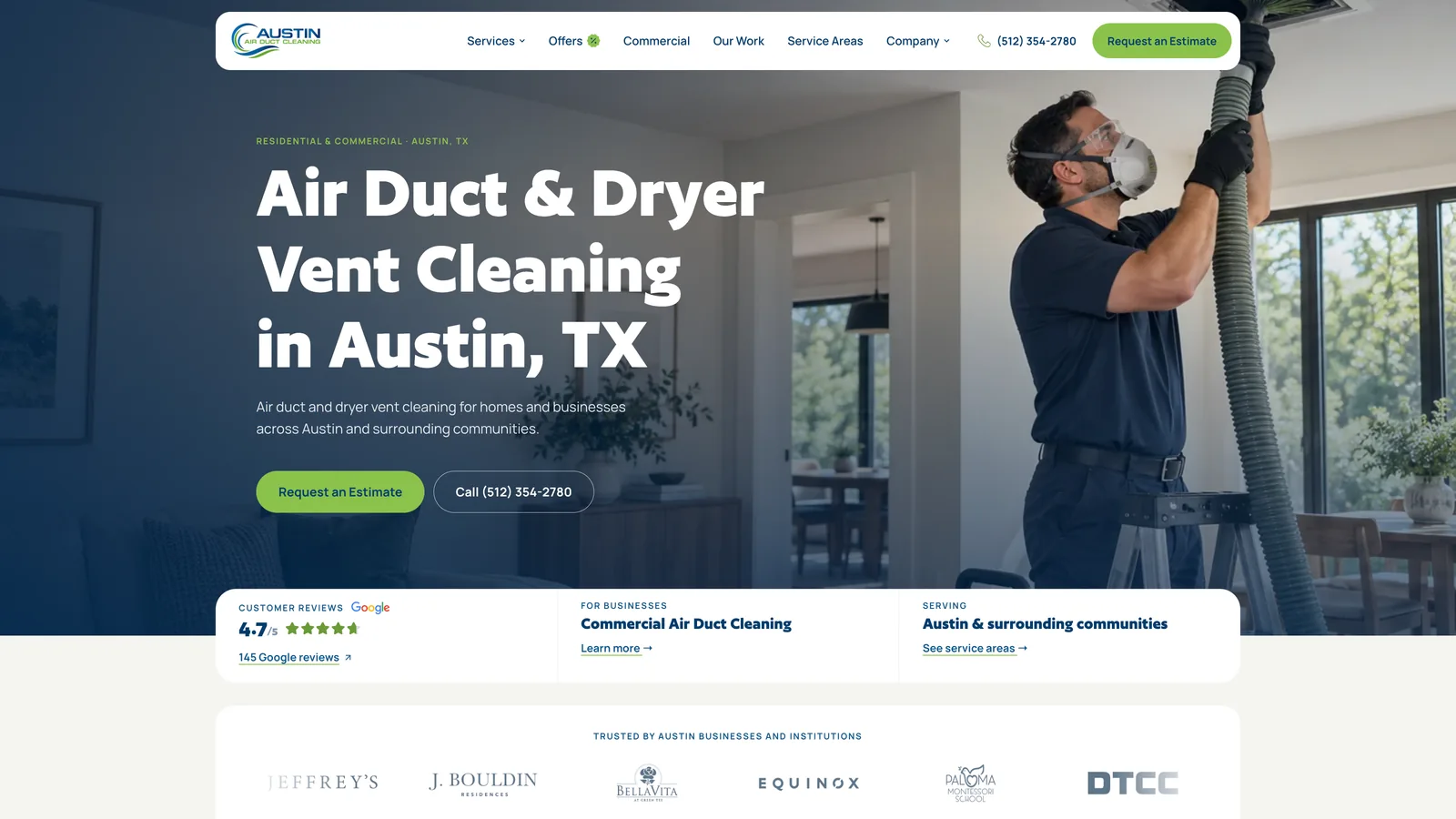
Austin Air Duct
The need
The site organizes services, service areas, and completed jobs, and helps residential and commercial customers find the right service and move on to a quote request.
- 01
Turn a service catalog into a clear path
Organize air duct, dryer vent, HVAC, and chimney services, and separate the broad categories from the specific service a visitor needs.
- 02
Speak to two kinds of customers
Tailor the content to both a homeowner and someone who manages a commercial property. Each has different questions about the scope of work, the property type, and the next step.
- 03
Show work people can understand
Turn photos from the field into an organized story: what was needed, what was done, and how the job looked before and after. Then give that story a place next to the service description.
- 04
Shorten the path to a useful quote request
Connect the chosen service, the service area, and the property type, so the visitor's request arrives with details that are useful for the follow-up conversation.
From the site
What was built
 Enlarge image +
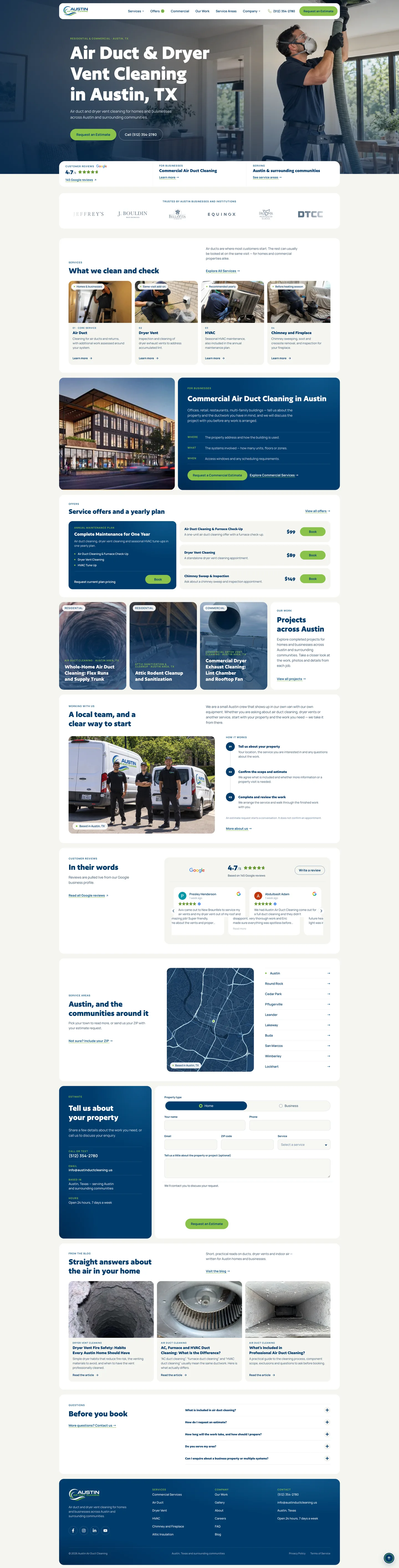
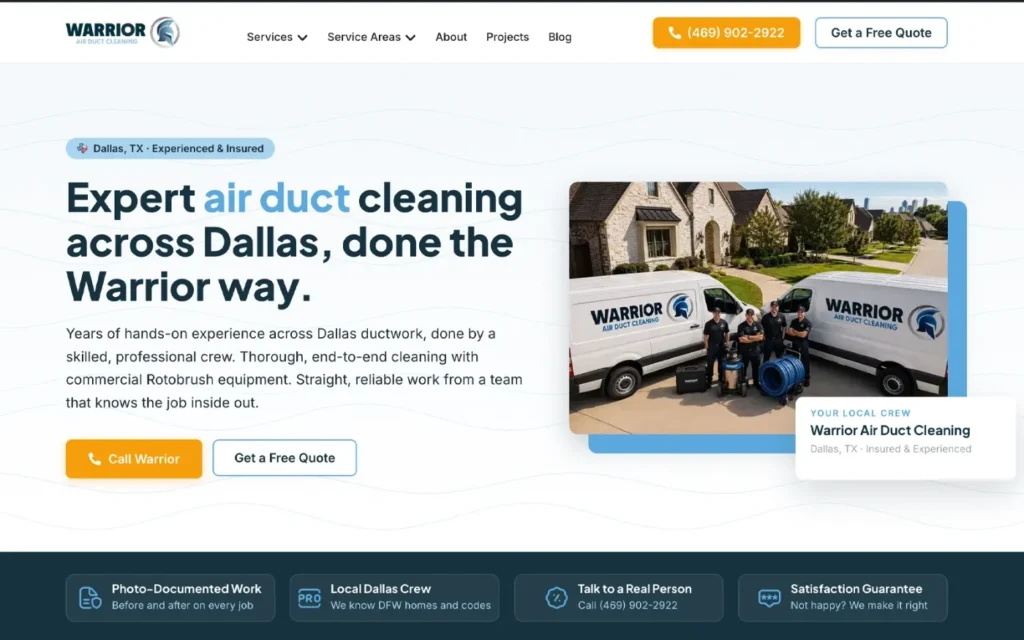
Home pageServices, team, and work at a glance 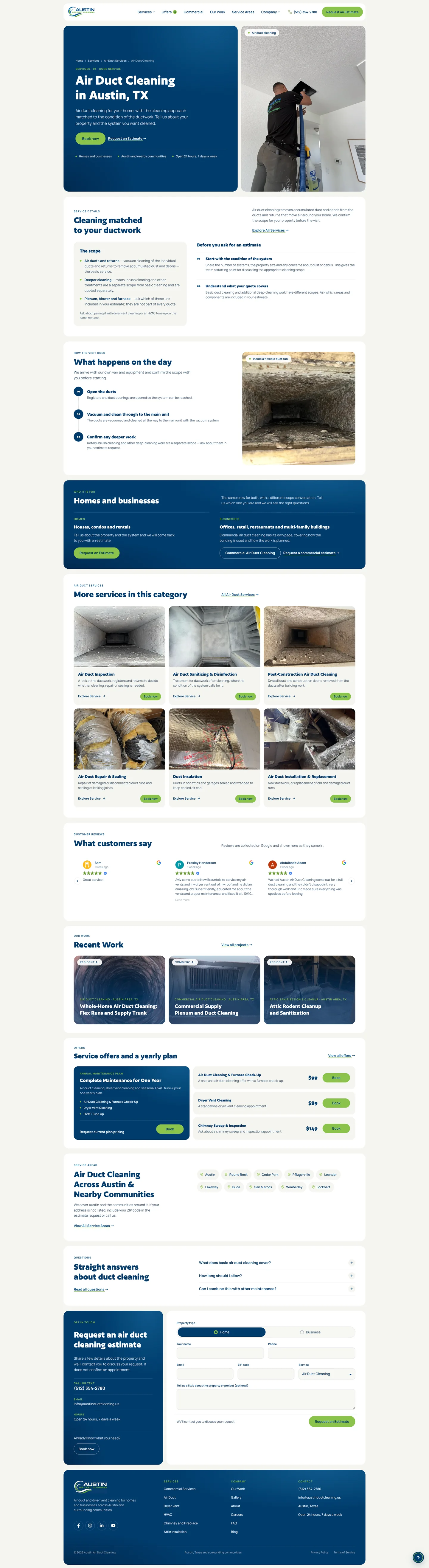 Enlarge image +
Service pageWhat's included, who it's for, and what's next 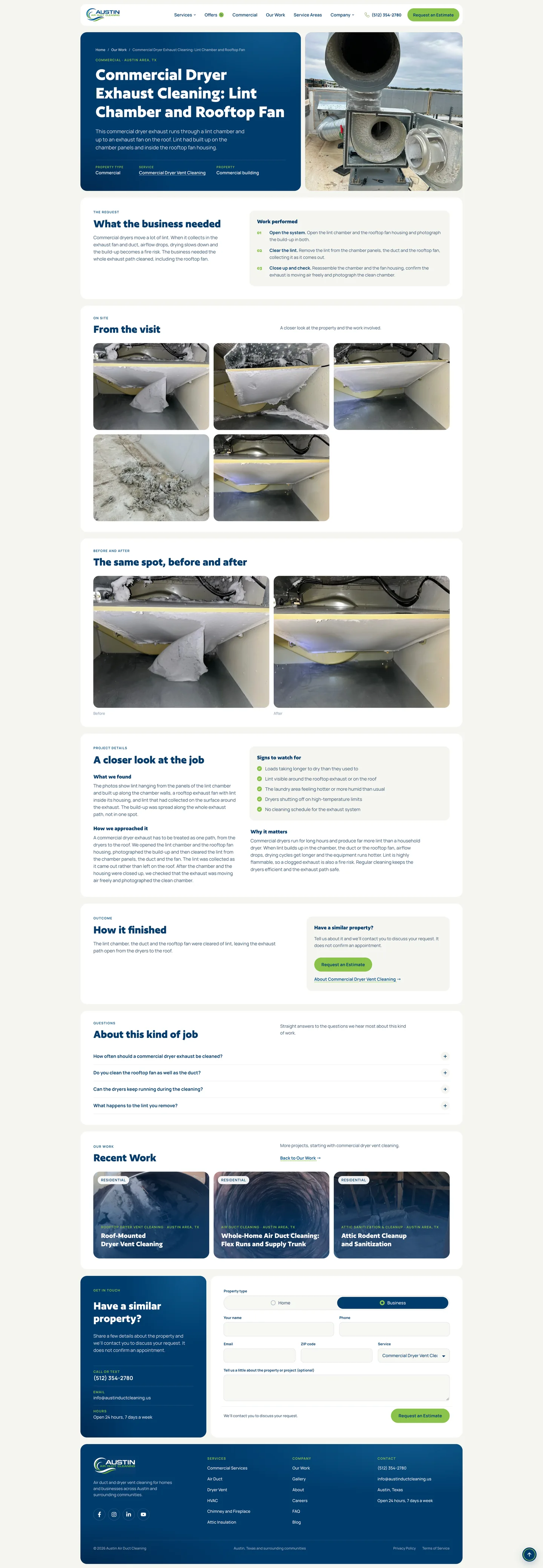 Enlarge image +
Project pageThe job documented, from need to result
- 1
Service hierarchy planning
Categories and service pages, with navigation, breadcrumbs, and links to related services. The structure lets a visitor start from a broad view of what the company does and dig into one service.
- 2
Design that highlights action and content
Deep blue, a bold green for actions, and light backgrounds, with rounded cards and job photos. One consistent visual language distinguishes explanations, examples, and ways to get in touch.
- 3
Service pages with a clear scope
A template that explains what the service includes, what the work looks like, and what's worth asking in advance. Further down come projects, FAQs, and other relevant services.
- 4
Paths for homes and businesses
Content and quote requests tailored to residential and commercial properties, including a property type option in the form. The same split carries through to the job write-ups and the next-step links.
- 5
Portfolio of real jobs
Project pages with the need, the steps of the job, a gallery, and before-and-after photos. Each project links to the matching service and to a way to ask about similar work.
- 6
Development and page-specific forms
WordPress development, responsive across screen sizes, with service areas, FAQs, and quote request forms. Fields for property type, service, and ZIP code gather the information needed to follow up.
From first visit to inquiry
The visitor's path
through the site
The path through the site is built around practical questions: does the company offer the service, does it fit the property, and how do you ask about the job.
- 1
Find the service
Categories on the home page and organized navigation lead to the right service and to information written for homes or businesses.
- 2
Understand what's included
The service page lays out the scope of work and the steps, answers questions, and distinguishes between different needs.
- 3
See relevant examples
Projects from the field, before-and-after photos, and service area information give visitors more context before they decide to get in touch.
- 4
Request a quote
A form with property type, service, and request details opens a focused conversation. The site makes clear that a request is not a confirmed appointment.
More from the studio
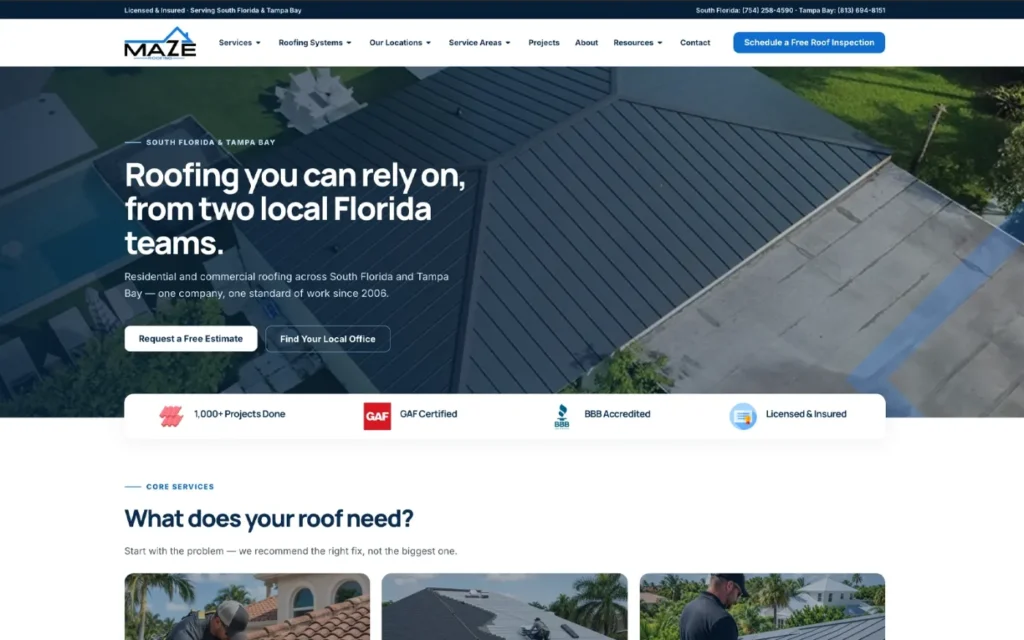
More work
Intro call
Planning a website for your business?
Tell me what your business does and what the website needs to let your customers do. We'll figure out together what's right to build.
A small studio. On purpose.